[OPEN CALL 📣] Bring NymVPN to OpenWRT!

I researched that kill-switch does not work.

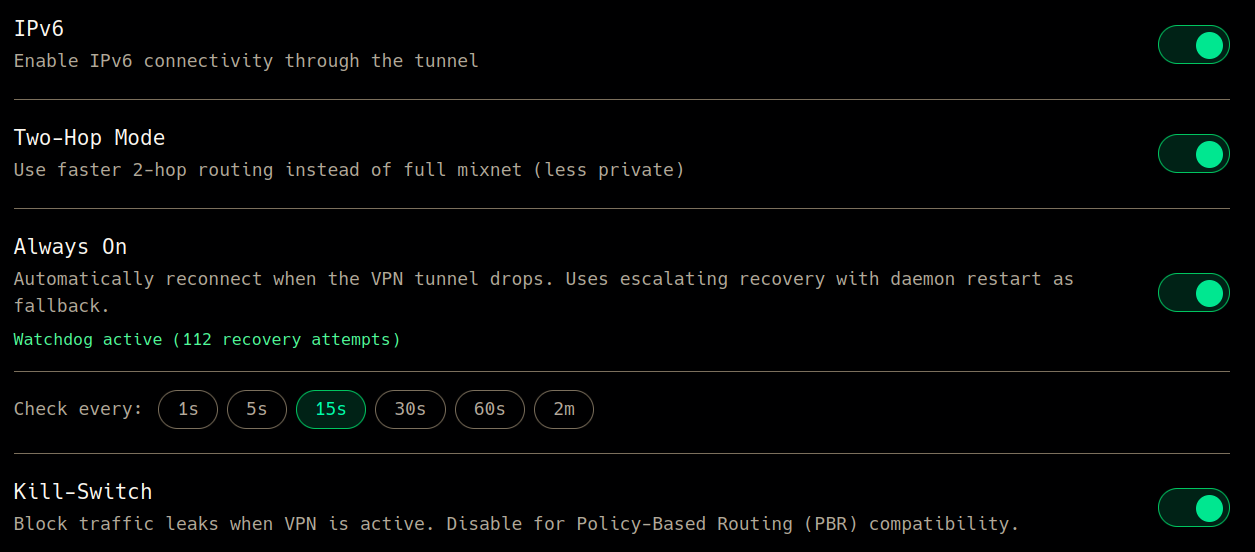
cat /etc/nym/nym-vpnd.json shows "killswitch": true, all settings are in default initial state nothing was changed after fresh installation.

device is glinet flint-v1 ax-1800. vpnd is up after reboot,

# service |grep nym
/etc/init.d/nym-vpn-watchdog       enabled         running
/etc/init.d/nym-vpnd               enabled         running

and no auto connect works after reboot.

need KILL SWITCH and AUTOCONNECT. Please help me debug that.

another problem i meet too often.

ERROR nym_vpn_lib::tunnel_state_machine::tunnel_monitor: Error: Tunnel monitor exited with error
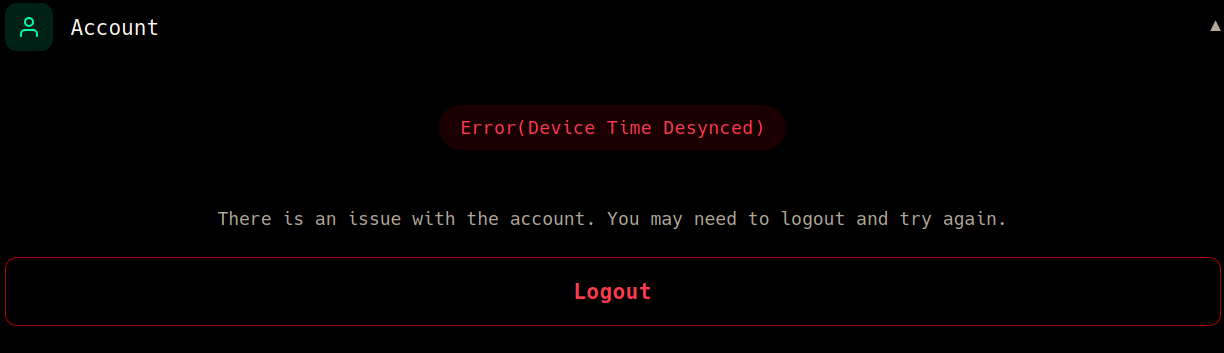
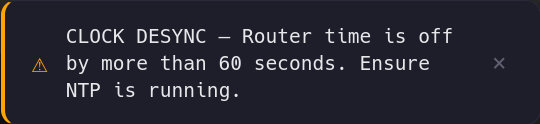
Caused by: Account controller is in error state. Reason : Device time is off by too much

why this matters? could you please keep “device time” just synced with nym’s server in processes memory?

1 Like

yet another minor UX problem - let user know the source of malfunction.

disconnecting... for ever

open account and see the problem.

I suggest one of two:

  1. keep spoiler open to let user know what is the problem when there is a problem
  2. better show problem in upper header of page
    2a. may be (if possible) show problem in header of overall LUCI

thank you for attention

1 Like

Fixing these issues this evening. Thank you for bringing to my attention!

2 Likes

just report: last days my flint-1 works fine with auto-connection/reconnection/reboot and kill-switch also looks like working. :snow_capped_mountain: :folded_hands:

1 Like

hey @code-zm, the Nym QA team looked at the package, I am summarizing their findings below. Some of these may be outdated - let me know! Hope this helps, great to see Nym on OpenWRT!

The core functionality works: installation, tunnel establishment, and basic routing all check out. Before it can graduate out of beta, however, there are a number of bugs we suggest addressing:


1. Only High Performance nodes are shown (OpenWRT-specific)
The OpenWRT package displays only High Performance nodes in the gateway list. Mid and Low performance nodes are absent entirely. The standard Tauri app shows all three performance categories correctly, so this appears to be a filtering or data handling issue in the OpenWRT implementation.

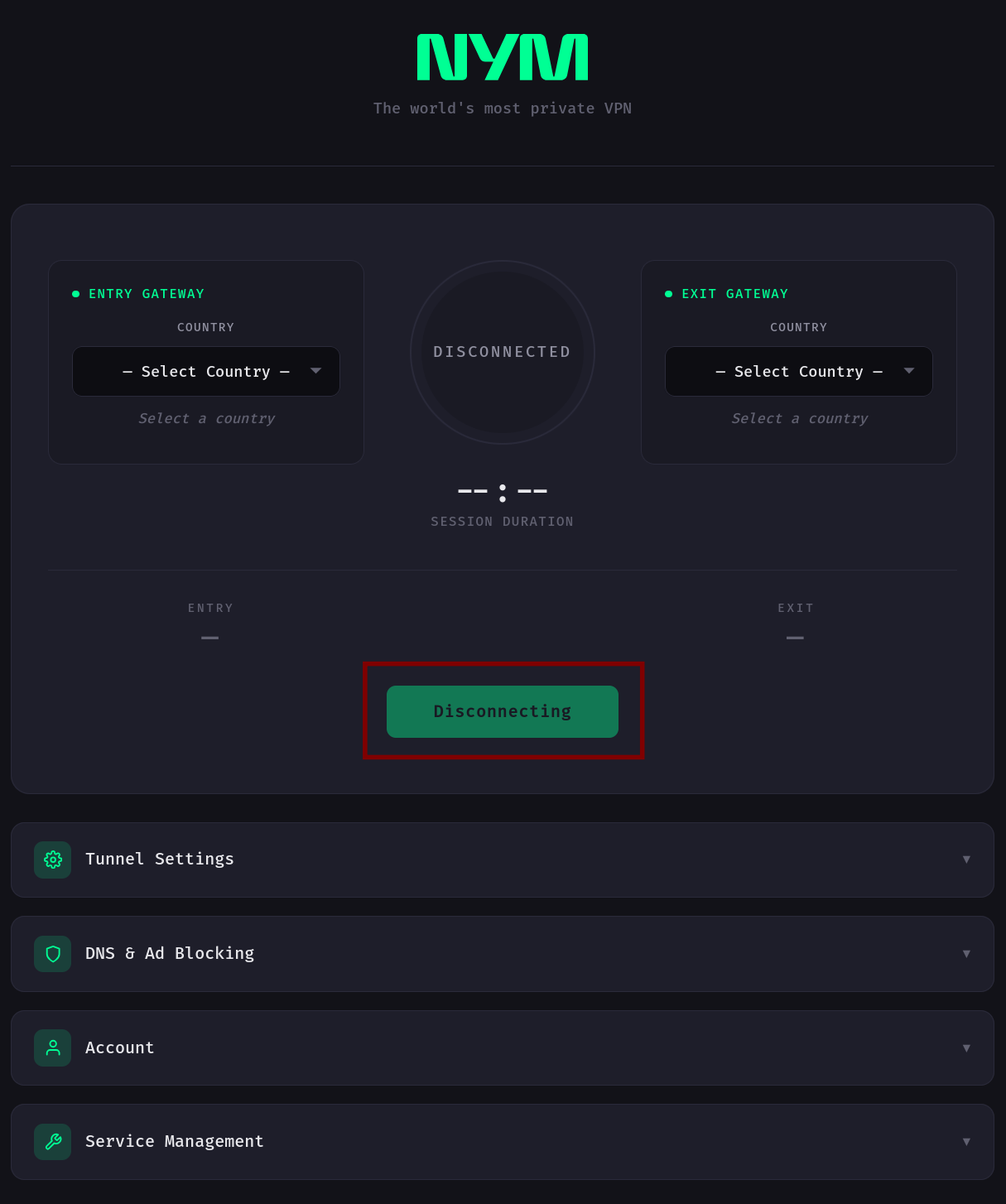
2. Disconnect button gives no feedback
Pressing the Disconnect button shows no intermediate state. The connection appears active until, after several seconds, the status eventually switches to “Disconnected.” A “Disconnecting” state or some visible feedback is needed so the user knows the action was registered.

3. “Select Country” reuses previously selected gateways
When both Entry and Exit are set to “Select Country,” the app silently falls back to the previously used gateways rather than prompting for a new selection. The expected behavior is either a validation message or a requirement to explicitly pick a country before connecting.

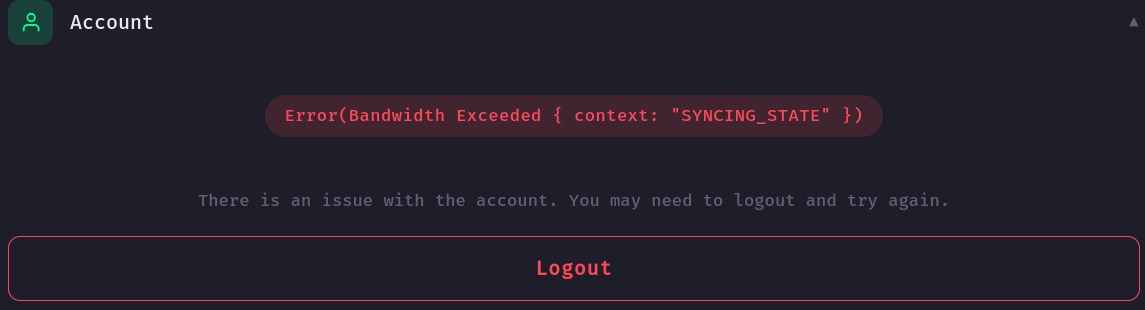
4. Raw JWT error exposed in Account section
After several connect/disconnect cycles, a raw backend error appears in the Account section:
Error(ApiFailure { context: "SYNCING_STATE", details: "JWT has expired" })
This is an unhandled session expiration being surfaced directly in the UI. The fix should be a user-friendly message and proper session handling (automatic logout or clear re-authentication prompt). Workaround for now: log out and log back in.

5. Recovery phrase field is masked like a password
When logging in with a recovery phrase, the input is hidden like a password field. It should display as plain text, consistent with other input fields in the app.

6. Custom DNS settings have no effect
Configuring a custom DNS server in the app settings doesn’t apply. Testing via ipleak.net confirms the original DNS is still in use instead of the configured one.

7. Log viewer is capped at 200 entries
The “View Logs” feature only displays a maximum of 200 log entries. Full log access is needed to make debugging practical.

8. Entry and Exit gateway lists show different servers
The Entry Gateway list and the Exit Gateway list display different servers for what should be the same set of nodes. This creates confusion when selecting gateways and suggests an inconsistency in how the two lists are populated.
1 Like

Thanks for the feedback! Will address each of these ASAP

Do you know which version they tested?

I am not sure about the version, I can ask - the date was early March, between the 2nd and the 5th. Does that help?

1 Like

bug report.

with this error nym-vpn transits connection by passing vpn, whle kill switch is enabled.

  1. can we please handle this error by syncing time with nymvpn server, sync on app/daemon level. and ignore system time.

  2. how can i help debugging kill-switch?

for me it problem of disconnection is not so buggy as BYPASSED TRAFFIC

1 Like

Fixing this along with the previous bugs you reported last week. Required some backend changes that I’m currently testing locally, patch should be out by Friday 5/1.

The fix uses the time advertised by the Nym VPN API itself, so no system NTP needed for the daemon to work correctly.

One caveat: HTTPS cert validation still needs your system clock to be roughly correct (generally within a few months of real time), otherwise the daemon can’t even reach the API to fetch the correct time. So if you’re skewing the clock by years, you’ll still want NTP. If it’s just minutes/hours/days off, the patch will handle it.

Thanks for the patience.

1 Like

@code-zm my router time drifts for couple minutes. sometimes it can be kept power off for few days,weeks, and it likely have no RTC battery. so your fix would help. peace and love, brother. i appreciate your work on these, it is so helpful.

1 Like

Latest releases focused on making the kill-switch bulletproof.

Kill-switch improvements:

  • The kill-switch now whitelists Nym API endpoints and DNS servers so the daemon can sync account state while the kill-switch is active
  • Fixed a leak where LAN clients could route traffic to the WAN while the kill-switch was enabled and VPN was disconnected
  • Kill-switch now survives daemon restarts and router reboots - no more open window on cold boot

Other fixes:

  • Account errors now surface as toast notifications on connect attempt

Update with:

curl -fsSL https://packages.dial0ut.org/install.sh | sh

Or via opkg/apk if you have the package feed configured:

opkg update && opkg upgrade nym-vpn
1 Like

Since I use NymVPN on my Glinet MT3000, I am getting blocked on many sites… It would be great to see which Exit-Node-Ip is blocked by google, reddit, or whatever, and then switch exit node until there is no more blocking… Some sites are totally broken thats hard.

an automatic exit rotation would be great to

2 Likes

yep, known problem, exit nodes are often blocked than unblocked, from time to time. exit node rotation periodically is good want to have feature. it is to be implemented in core of nym-vpn, not in this port for openwrt. the problem also touches android linux win mac any. if you report that on github, i’ll +1 on that.

1 Like

I’ll look into solutions this week. Would be interested to see how it gets implemented in the official app.

Thanks for the request!

1 Like

(post deleted by author)

Fixes will be released this week.

Most of the reported issues had already been fixed in previous commits, I am focusing on:

1 Like