Smart TVs, gaming consoles, and IoT devices can’t run VPN apps, leaving privacy gaps in home networks. OpenWRT users want advanced privacy but are limited to traditional VPN solutions, which is why OpenWRT support has been among the most commonly requested feature by the Nym community!
This project brings NymVPN’s unique 5-hop mixnet technology to router-level deployment, protecting every device automatically while tapping into OpenWRT’s extensive hardware ecosystem.
Feasibility and viability: nym-vpnd already supports ARM builds, OpenWRT has mature package management, and there’s strong community overlap between privacy and OpenWRT users. This project leverages existing work and infrastructure rather than building from scratch.
Immediate Benefits:
Whole-Home Privacy: Every WiFi device automatically protected - no per-device setup
Hardware Reach: Access OpenWRT’s thousands of supported device models
Deliverables
OpenWRT Package: Cross-compile nym-vpnd daemon for ARM hardware with proper UCI integration
LuCI Web Interface: Management UI for mnemonic entry, connection status, mode selection (Fast/Anonymous), and diagnostics
Documentation: Installation guides and hardware compatibility testing
Suggested technical approach
Leverage existing nym-vpnd daemon architecture (already runs on Linux)
Package for OpenWRT’s opkg system with init scripts
Create mobile-responsive LuCI module for configuration
Support both Fast Mode (2-hop) and Anonymous Mode (5-hop mixnet)
Estimated implementation timeline: 4 months
Month 1-2: ARM compilation, OpenWRT packaging, UCI integration
Month 3: LuCI interface development and multi-device testing
Month 4: Documentation, community launch, repository setup
Success metrics and requirements
fully open-source codebase
20+ verified compatible ARM devices
all functionality outlined above working reliably and as intended
Integration into OpenWRT official repositories
Budget: 75 000 NYM
Development and integration: 40 000 NYM
Hardware testing: 25 000 NYM
Documentation and community: 10 000 NYM
Visit this page to learn more and see the full list of missions.
How to apply?
If you or your team have the skills to make NymVPN on OpenWRT a reality, we want to hear from you! Submit your proposal below, or if you know someone who could deliver, please share this call with them.
This is one of the most requested features from the Nym community, and with your help, we can bring whole-home privacy to thousands of devices worldwide!
Why us:
We previously delivered nymCHAT for Nym, so we’re already familiar with the ecosystem and know how to ship. We are both users of OpenWRT so we know it well. We’ve got the background needed for this - embedded systems, OpenWRT hacking, etc. We understand the nym-vpnd architecture and what it’ll take to integrate it properly into OpenWRT with a clean LuCI interface. We are both the target audience of this, and developers
Timeline: 2 months
We can deliver this faster than the suggested 4-month timeline. We’ll handle:
ARM cross-compilation, OpenWRT packaging, and UCI integration
LuCI web interface with mnemonic entry, connection status, mode selection (Fast/Anonymous), and diagnostics
Multi-device hardware testing
Documentation and installation guides
Deliverables:
OpenWRT package for nym-vpnd
LuCI interface for configuration and monitoring
Testing across 20+ ARM devices
Complete documentation
Fully open-source codebase
We’re starting immediately and will post regular updates here and on Telegram!
Hello Friend, sorry for the delayed response on this one. I’ll keep this short and sweet, as you already started working on the project anyway: this is a go from our side! Looking forward to bringing NymVPN to routers all around the world. Please keep us posted.
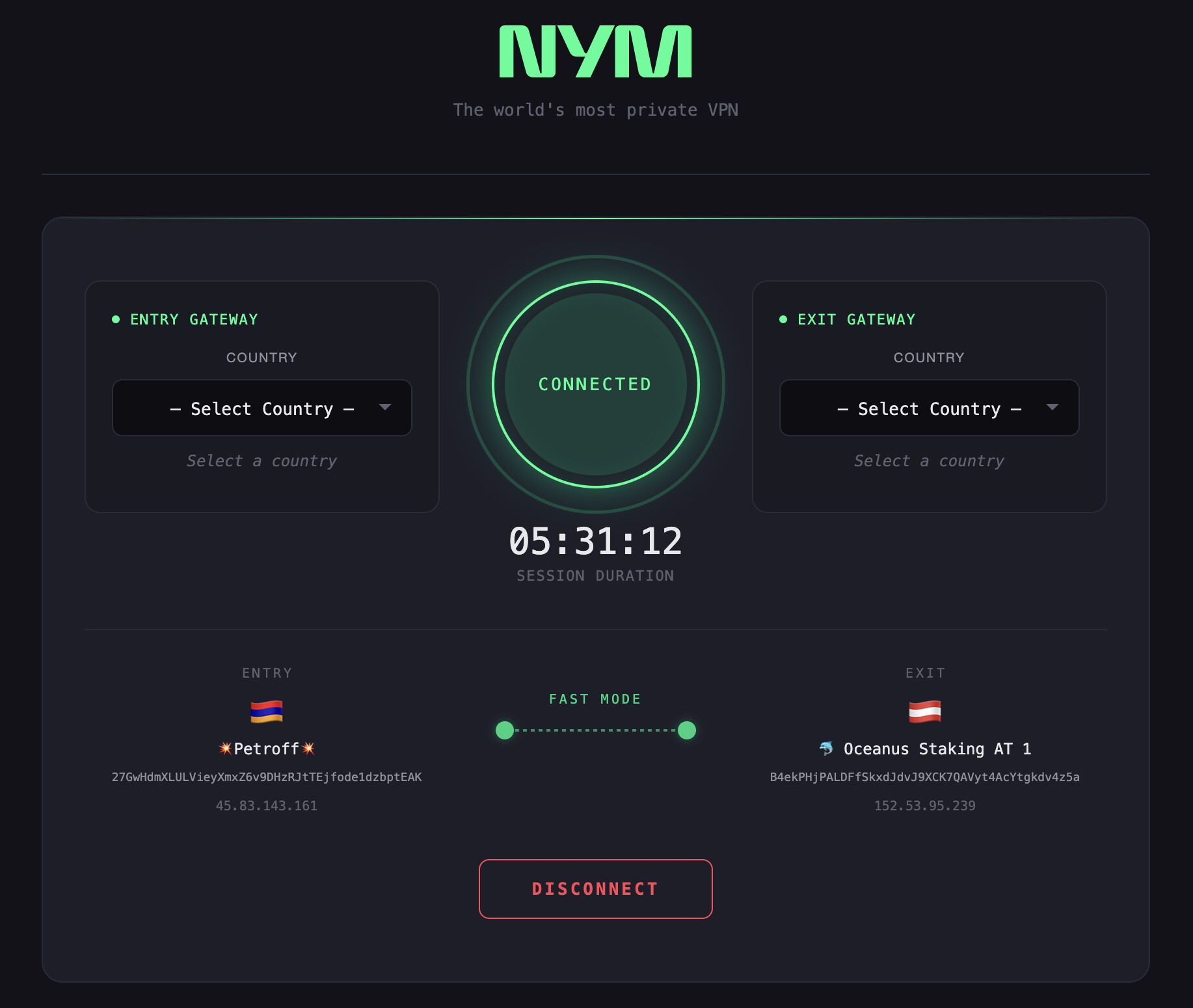
We’re excited to announce that NymVPN is now available for OpenWRT routers. This brings mixnet-powered privacy protection to your entire home network at the router level.
What’s Included
Pre-built static binaries for 8 architectures
IPK packages with one-click installation
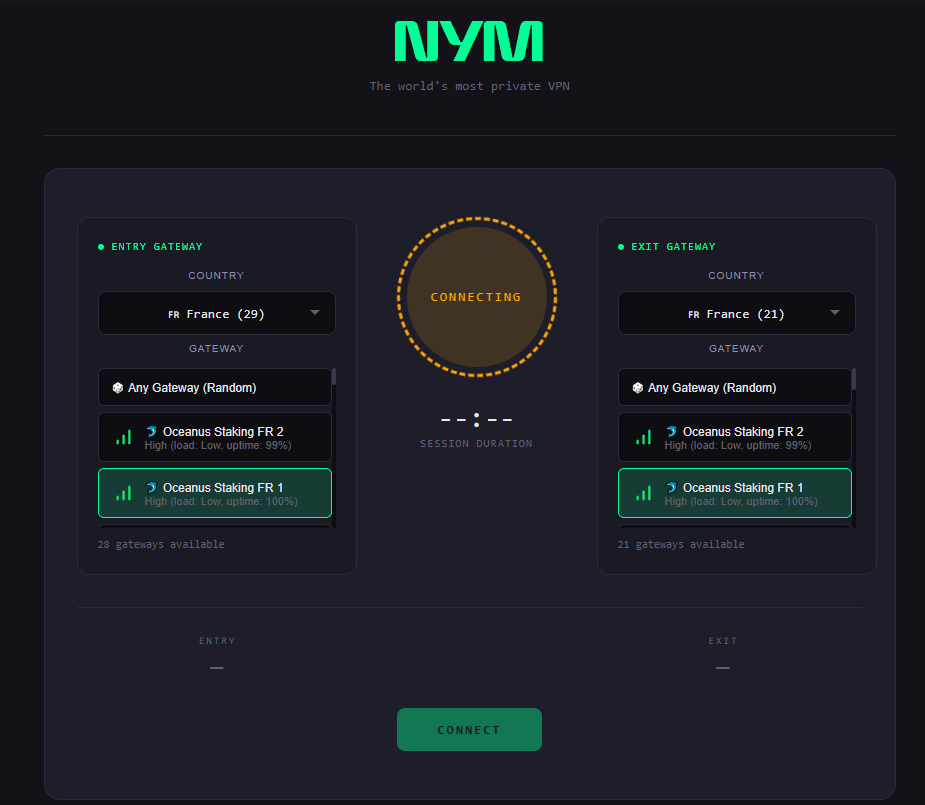
LuCI web interface for easy configuration directly in your router’s admin panel
Supported Devices
We have binaries built for a wide range of architectures:
OpenWRT Architecture
Example Devices
x86_64
PC Engines APU, x86 VMs
i386_pentium4
Older x86 devices
aarch64_generic
Raspberry Pi 3/4, modern ARM64 routers
aarch64_cortex-a53
MediaTek, Qualcomm ARM64 routers
arm_cortex-a7_neon-vfpv4
Many MediaTek/Qualcomm routers
arm_cortex-a9_vfpv3-d16
Linksys WRT, Netgear R7800
arm_cortex-a9
Older Cortex-A9 devices
arm_arm926ej-s
Legacy ARM devices
mips_24kc
Atheros/Qualcomm MIPS routers
mipsel_24kc
MediaTek MIPS routers
riscv64
RISC-V devices
Check your architecture with: opkg print-architecture | grep -v all
Hello! Thanks for the feedback. Try restarting the daemon.
You can do this via command line with:
/etc/init.d/nym-vpnd restart
You can also use the LuCI Interface, in the VPN app there is drop down menu “Service Management”.
For troubleshooting I recommend using a mobile device to restart the daemon via LuCI, and using a PC to SSH in and do logread to get more details of what’s failing.
Another thing - ensure wireguard is installed and the module is loaded. The .ipk should install it automatically, but just to be sure run this command:
Yes I know, 60MB is quite large for OpenWRT. The daemon includes the full Nym mixnet stack (crypto, networking, SDK) statically linked - unfortunately there’s no way around the size.
Extroot should work fine - the IPK installs to standard paths (/usr/sbin, /usr/bin, /www) which would be on the extroot overlay.
2.53.137.91:51822 [6sL9w3iRYaf599rQ5QzGfecG8yoH9zci1BsbMqR6uyQP], connecting tunnel, try #6
Sat Dec 27 19:46:30 2025 daemon.info nym-vpnd[17490]: 2025-12-27T19:46:30.307169Z INFO nym_vpn_lib::tunnel_state_machine::tunnel_monitor: Using kernel WireGuard for entry: nym-entry
Sat Dec 27 19:46:30 2025 daemon.info nym-vpnd[17490]: 2025-12-27T19:46:30.307211Z INFO nym_vpn_lib::tunnel_state_machine::tunnel_monitor: Using kernel WireGuard for exit: nym-exit
Sat Dec 27 19:46:30 2025 daemon.info nym-vpnd[17490]: 2025-12-27T19:46:30.307838Z INFO nym_vpn_lib::tunnel_state_machine::tunnel::wireguard::wg_backend: Starting kernel WireGuard tunnel: nym-entry
Sat Dec 27 19:46:30 2025 daemon.info nym-vpnd[17490]: 2025-12-27T19:46:30.309111Z ERROR nym_vpn_lib::tunnel_state_machine::tunnel_monitor: Error: Tunnel monitor exited with error
Sat Dec 27 19:46:30 2025 daemon.info nym-vpnd[17490]: Caused by: tunnel error
Sat Dec 27 19:46:30 2025 daemon.info nym-vpnd[17490]: Caused by: kernel WireGuard error: Add IP to device error
Sat Dec 27 19:46:30 2025 daemon.info nym-vpnd[17490]: 2025-12-27T19:46:30.310271Z INFO nym_vpn_lib::tunnel_state_machine::states::connecting_state: Tunnel closed
Sat Dec 27 19:46:30 2025 daemon.info nym-vpnd[17490]: 2025-12-27T19:46:30.310324Z INFO nym_vpn_lib::tunnel_state_machine::states::connecting_state: Reconnecting, attempt 7
Sat Dec 27 19:46:30 2025 daemon.info nym-vpnd[17490]: 2025-12-27T19:46:30.310685Z INFO nym_firewall: Applying firewall policy: Connecting to peers: 45.12.111.14:9000/TCP,45.12.111.14:9001/TCP, Allowing LAN, interface: none. Allowing endpoints: none. Allowing non-tunnel DNS: 9.9.9.9,149.112.112.112,1.1.1.1,1.0.0.1
Sat Dec 27 19:46:30 2025 daemon.info nym-vpnd[17490]: 2025-12-27T19:46:30.329273Z INFO nym_gateway_client::socket_state: received remember me acknowledgement
Sat Dec 27 19:46:30 2025 daemon.info nym-vpnd[17490]: 2025-12-27T19:46:30.366843Z INFO nym_vpn_lib::tunnel_state_machine::states::connecting_state: Waiting 15000ms before reconnect
Sat Dec 27 19:46:30 2025 daemon.info nym-vpnd[17490]: 2025-12-27T19:46:30.366993Z INFO nym_vpn_lib::tunnel_state_machine: New tunnel state: Connecting wg [4KmPPMmAWLuFMdBzvooyeo9iQnu69VYxewWym6c2Dzd2] → [6sL9w3iRYaf599rQ5QzGfecG8yoH9zci1BsbMqR6uyQP], resolving api addresses, try #7
Sat Dec 27 19:46:32 2025 daemon.info nym-vpnd[17490]: 2025-12-27T19:46:32.310724Z INFO nym_task::cancellation::manager: sending cancellation after receiving shutdown signal
Sat Dec 27 19:46:32 2025 daemon.info nym-vpnd[17490]: 2025-12-27T19:46:32.311430Z INFO nym_client_core_surb_storage: PersistentReplyStorage is flushing all reply-related data to underlying storage
Sat Dec 27 19:46:32 2025 daemon.info nym-vpnd[17490]: 2025-12-27T19:46:32.311524Z INFO sqlx_pool_guard: Closing sqlite pool: /var/lib/nym-vpnd/mainnet/persistent_reply_store.sqlite
Sat Dec 27 19:46:32 2025 daemon.info nym-vpnd[17490]: 2025-12-27T19:46:32.344287Z INFO nym_client_core_surb_storage::backend::fs_backend::manager: Database migration finished!
Sat Dec 27 19:46:32 2025 daemon.info nym-vpnd[17490]: 2025-12-27T19:46:32.426987Z INFO nym_client_core_surb_storage: Data flush is complete
Thats what I get. Just a snapshot of the whole log
Looks like you might have a stale interface from a previous crash.
try these commands:
ip link delete nym-entry 2>/dev/null
ip link delete nym-exit 2>/dev/null

/etc/init.d/nym-vpnd restart
If that doesn’t work, get more info:
# Check if interfaces exist
ip link show | grep nym

# Check kernel module
lsmod | grep wireguard

# Check existing routes that might conflict
ip addr show
Sat Dec 27 20:00:50 2025 daemon.info nym-vpnd[2790]: 2025-12-27T20:00:50.533723Z INFO nym_vpnd: nym-vpnd 1.21.0-beta (VERGEN_IDEMPOTENT_OUTPUT) Sat Dec 27 20:00:50 2025 daemon.info nym-vpnd[2790]: 2025-12-27T20:00:50.535971Z INFO nym_vpnd: OS information: Linux (OpenWrt 24.10.1) (x86_64), kernel: 6.6.86 Sat Dec 27 20:00:50 2025 daemon.info nym-vpnd[2790]: 2025-12-27T20:00:50.539928Z INFO nym_vpnd::environment: Setting up environment by discovering the network: mainnet Sat Dec 27 20:00:50 2025 daemon.info nym-vpnd[2790]: 2025-12-27T20:00:50.548030Z INFO nym_vpnd::command_interface: Starting socket listener on: /var/run/nym-vpn.sock Sat Dec 27 20:00:51 2025 daemon.info nym-vpnd[2790]: 2025-12-27T20:00:51.475109Z INFO nym_vpn_account_controller::controller: Initializing account controller: data_dir: /var/lib/nym-vpnd/mainnet Sat Dec 27 20:00:51 2025 daemon.info nym-vpnd[2790]: 2025-12-27T20:00:51.559321Z INFO nym_vpn_account_controller::controller: Initial account controller state: Offline Sat Dec 27 20:00:51 2025 daemon.info nym-vpnd[2790]: 2025-12-27T20:00:51.560535Z INFO nym_vpn_account_controller::controller: Account id: (unset) Sat Dec 27 20:00:51 2025 daemon.info nym-vpnd[2790]: 2025-12-27T20:00:51.560571Z INFO nym_vpn_account_controller::controller: Device id: (unset) Sat Dec 27 20:00:51 2025 daemon.info nym-vpnd[2790]: 2025-12-27T20:00:51.560829Z INFO nym_vpnd::service::config::config_manager: Read service config version v4 from /etc/nym/mainnet/nym-vpnd.json Sat Dec 27 20:00:51 2025 daemon.info nym-vpnd[2790]: 2025-12-27T20:00:51.574031Z INFO nym_vpnd::service::config::config_manager: Using config: VpnServiceConfig { entry_point: Gateway { identity: NodeIdentity { key: “blabalblalb” } }, exit_point: Gateway { identity: NodeIdentity { key: “blabalblalb” } }, allow_lan: true, disable_ipv6: false, enable_two_hop: true, enable_bridges: false, netstack: false, disable_poisson_rate: false, disable_background_cover_traffic: false, min_mixnode_performance: None, min_gateway_mixnet_performance: None, min_gateway_vpn_performance: None, residential_exit: false, enable_custom_dns: false, custom_dns: , network_stats: NetworkStatisticsConfig { enabled: true, allow_disconnected: false } } Sat Dec 27 20:00:51 2025 daemon.info nym-vpnd[2790]: 2025-12-27T20:00:51.582058Z INFO nym_http_api_client::dns: building new configured resolver Sat Dec 27 20:00:51 2025 daemon.info nym-vpnd[2790]: 2025-12-27T20:00:51.584986Z INFO nym_firewall: Applying firewall policy: Blocked. Allowing LAN. Allowing endpoints: none Sat Dec 27 20:00:51 2025 daemon.info nym-vpnd[2790]: 2025-12-27T20:00:51.614060Z WARN nym_http_api_client::dns: primary DNS failed w/ error: proto error: io error: Network unreachable (os error 101) Sat Dec 27 20:00:51 2025 daemon.info nym-vpnd[2790]: 2025-12-27T20:00:51.629582Z WARN nym_http_api_client::dns: primary DNS failed w/ error: proto error: io error: Network unreachable (os error 101) Sat Dec 27 20:00:51 2025 daemon.info nym-vpnd[2790]: 2025-12-27T20:00:51.631826Z ERROR nym_client_core::client::topology_control::nym_api_provider: failed to get network nodes: failed to send request for ``https://validator.nymtech.net/api/v1/nym-nodes/rewarded-set:`` failed to connect: error sending request for url (``https://validator.nymtech.net/api/v1/nym-nodes/rewarded-set``) unknown status code source: client error (Connect) Sat Dec 27 20:00:51 2025 daemon.info nym-vpnd[2790]: 2025-12-27T20:00:51.632051Z WARN nym_client_core::client::topology_control::nym_api_provider: There’s only a single nym API available - it won’t be possible to use a different one Sat Dec 27 20:00:51 2025 daemon.info nym-vpnd[2790]: 2025-12-27T20:00:51.632099Z ERROR nym_vpn_lib::mixnet::topology_provider: VpnTopologyProvider: Failed to fetch topology from nym-api
I changed some stuff in sysctl, but the only thing that could have fucked the vpn is
net.ipv4.conf.all.rp_filter and net.ipv4.conf.default.rp_filter both set to 1, I set them back to 0 to see, but nothing changed
Looks like the daemon isn’t cleaning up the interface between restarts. From your logs, nym-entry has 3 IP addresses. Should only ever have 1 ipv4 and 1 ipv6
I’ll fix that shortly. Thank you for finding this bug!
Did the ip link delete nym-entry and ip link delete nym-exit then restart daemon not have any effect?
Sat Dec 27 20:05:48 2025 daemon.info nym-vpnd[31236]: 2025-12-27T20:05:48.955360Z WARN perform_initial_authentication: nym_gateway_client::client: this gateway is on an old version that doesn’t support upgrade mode gateway=6ghMcxHE8foUdAYDisQTPLSyqqnyH1mmbimfQHGPUDj1 gateway_address=ws://45.141.119.166:9000/
Sat Dec 27 20:05:48 2025 daemon.info nym-vpnd[31236]: 2025-12-27T20:05:48.976666Z INFO perform_initial_authentication: nym_gateway_client::client: close time.busy=1.85ms time.idle=70.7ms gateway=6ghMcxHE8foUdAYDisQTPLSyqqnyH1mmbimfQHGPUDj1 gateway_address=ws://45.141.119.166:9000/
Sat Dec 27 20:05:48 2025 daemon.info nym-vpnd[31236]: 2025-12-27T20:05:48.978446Z INFO nym_client_core::client::base_client: Starting received messages buffer controller…
Sat Dec 27 20:05:48 2025 daemon.info nym-vpnd[31236]: 2025-12-27T20:05:48.978632Z INFO nym_client_core::client::base_client: Starting mix traffic controller…
Sat Dec 27 20:05:48 2025 daemon.info nym-vpnd[31236]: 2025-12-27T20:05:48.978735Z INFO nym_client_core::client::base_client: Starting real traffic stream…
Sat Dec 27 20:05:48 2025 daemon.info nym-vpnd[31236]: 2025-12-27T20:05:48.979478Z INFO nym_client_core::client::real_messages_control::message_handler: using ELhc7sh7m4zRNoLxiGbi7Z for all anonymous messages sent to 5NAf88zULMBkidRjSejwdMMxLSb9L8ExdUSQVjbSRBhn.AqxeTrh5i2Z5UwA7tUJ1B7dwx6XexwW39bhWHvc2bs7w@6ghMcxHE8foUdAYDisQTPLSyqqnyH1mmbimfQHGPUDj1
Sat Dec 27 20:05:49 2025 daemon.info nym-vpnd[31236]: 2025-12-27T20:05:49.012548Z INFO nym_client_core::client::real_messages_control::message_handler: using LPjiYZYU1HravCEQirwPxZ for all anonymous messages sent to CrZRM8NpccFLuTiKWE9pJEztgbtqgEiNgRW4og5MYwuY.2yrTVvgTCV5kRYiKAmJQRezWbFccX1mkhiD4p22AHhqk@3viVqptQYXoNAqKHkdpLPLrHpSWYyrtPYHetv3jJwgFF
Sat Dec 27 20:05:49 2025 daemon.info nym-vpnd[31236]: 2025-12-27T20:05:49.120416Z INFO nym_firewall: Applying firewall policy: Connecting to peers: 45.141.119.166:9000/TCP,45.141.119.166:9001/TCP,45.141.119.166:51822/UDP, Allowing LAN, interface: none. Allowing endpoints: 91.92.200.116:443/TCP,212.71.233.232:443/TCP,76.76.21.21:443/TCP,151.101.1.194:443/TCP,151.101.1.194:443/TCP,198.169.2.65:443/TCP,216.198.79.67:443/TCP. Allowing non-tunnel DNS: 9.9.9.9,149.112.112.112,1.1.1.1,1.0.0.1
Sat Dec 27 20:05:49 2025 daemon.info nym-vpnd[31236]: 2025-12-27T20:05:49.186916Z INFO nym_vpn_lib::tunnel_state_machine: New tunnel state: Connecting wg to 45.141.119.166:51822 [6ghMcxHE8foUdAYDisQTPLSyqqnyH1mmbimfQHGPUDj1] → 185.55.241.210:51822 [3viVqptQYXoNAqKHkdpLPLrHpSWYyrtPYHetv3jJwgFF], connecting tunnel, try #3
Sat Dec 27 20:05:49 2025 daemon.info nym-vpnd[31236]: 2025-12-27T20:05:49.187228Z INFO nym_vpn_lib::tunnel_state_machine::tunnel_monitor: Using kernel WireGuard for entry: nym-entry
Sat Dec 27 20:05:49 2025 daemon.info nym-vpnd[31236]: 2025-12-27T20:05:49.187275Z INFO nym_vpn_lib::tunnel_state_machine::tunnel_monitor: Using kernel WireGuard for exit: nym-exit
Sat Dec 27 20:05:49 2025 daemon.info nym-vpnd[31236]: 2025-12-27T20:05:49.188035Z INFO nym_vpn_lib::tunnel_state_machine::tunnel::wireguard::wg_backend: Starting kernel WireGuard tunnel: nym-entry
Sat Dec 27 20:05:49 2025 daemon.info nym-vpnd[31236]: 2025-12-27T20:05:49.189406Z ERROR nym_vpn_lib::tunnel_state_machine::tunnel_monitor: Error: Tunnel monitor exited with error
Sat Dec 27 20:05:49 2025 daemon.info nym-vpnd[31236]: Caused by: tunnel error
Sat Dec 27 20:05:49 2025 daemon.info nym-vpnd[31236]: Caused by: kernel WireGuard error: Add IP to device error
Sat Dec 27 20:05:49 2025 daemon.info nym-vpnd[31236]: 2025-12-27T20:05:49.190891Z INFO nym_vpn_lib::tunnel_state_machine::states::connecting_state: Tunnel closed
 How to apply?