Well then. Today an update magically landed in my head that I honestly don’t know where to file - because it quietly merged three (!) of my creations into one.
It started as a simple question: what’s the next step for my auto-updater / (forum link)? It already keeps nym-node current on its own, but it does its work silently - and “silent automation running on my node” makes people (understandably) nervous. So the obvious answer was a Telegram bot: tell the operator when a release is out, and whether their node actually took it.
Simple enough. But the moment I started building it, I realized I was sitting on a goldmine of data I’d already collected for my main passion - node checker / (forum link) - version, stake, saturation, stress, rewards, health, for every node on the network. Why stop at “a release is out” when I could also tell you your mixnode just lost 40% of its stress score, or that a delegator walked off with 5k NYM, or that your gateway went dark?
So the bot grew. And then I hit the question every side project hits: what makes this different from any other notifier?
…and I remembered.
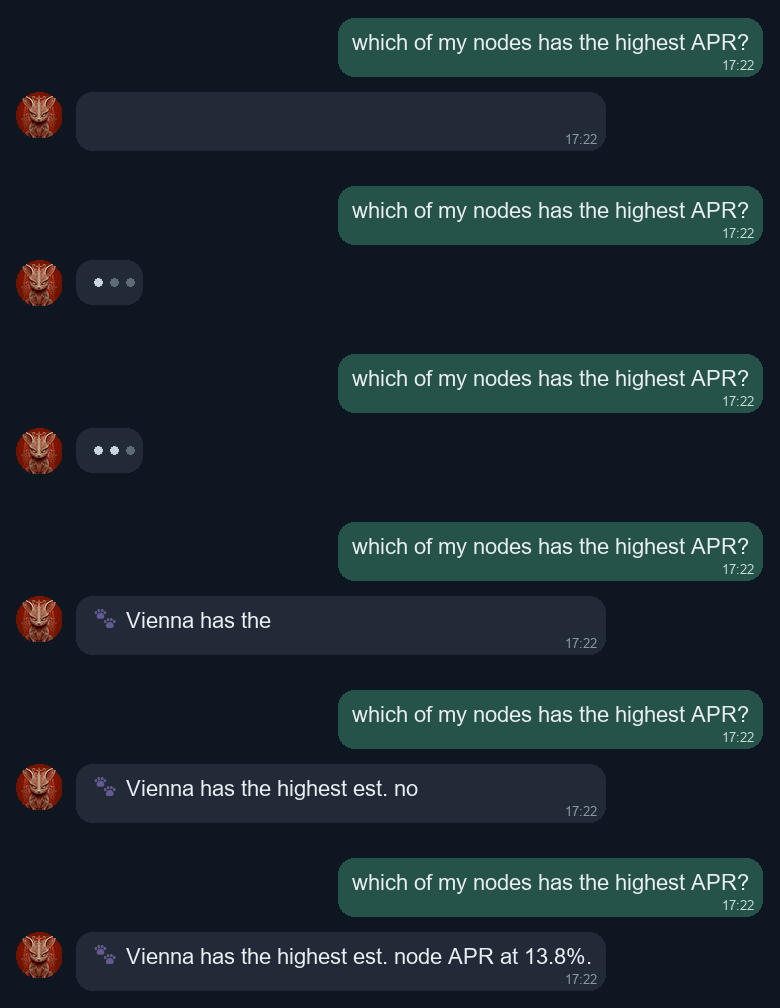
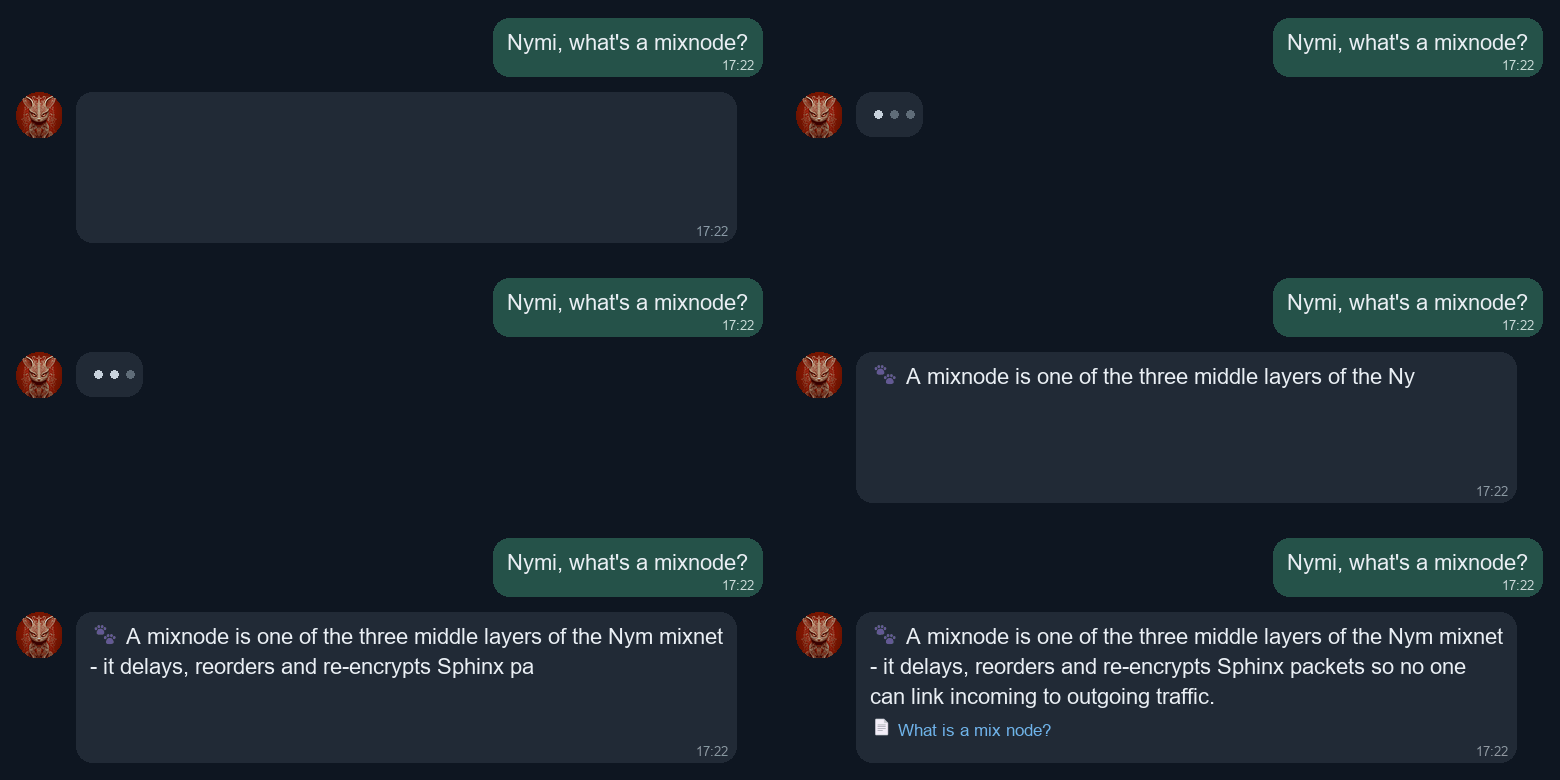
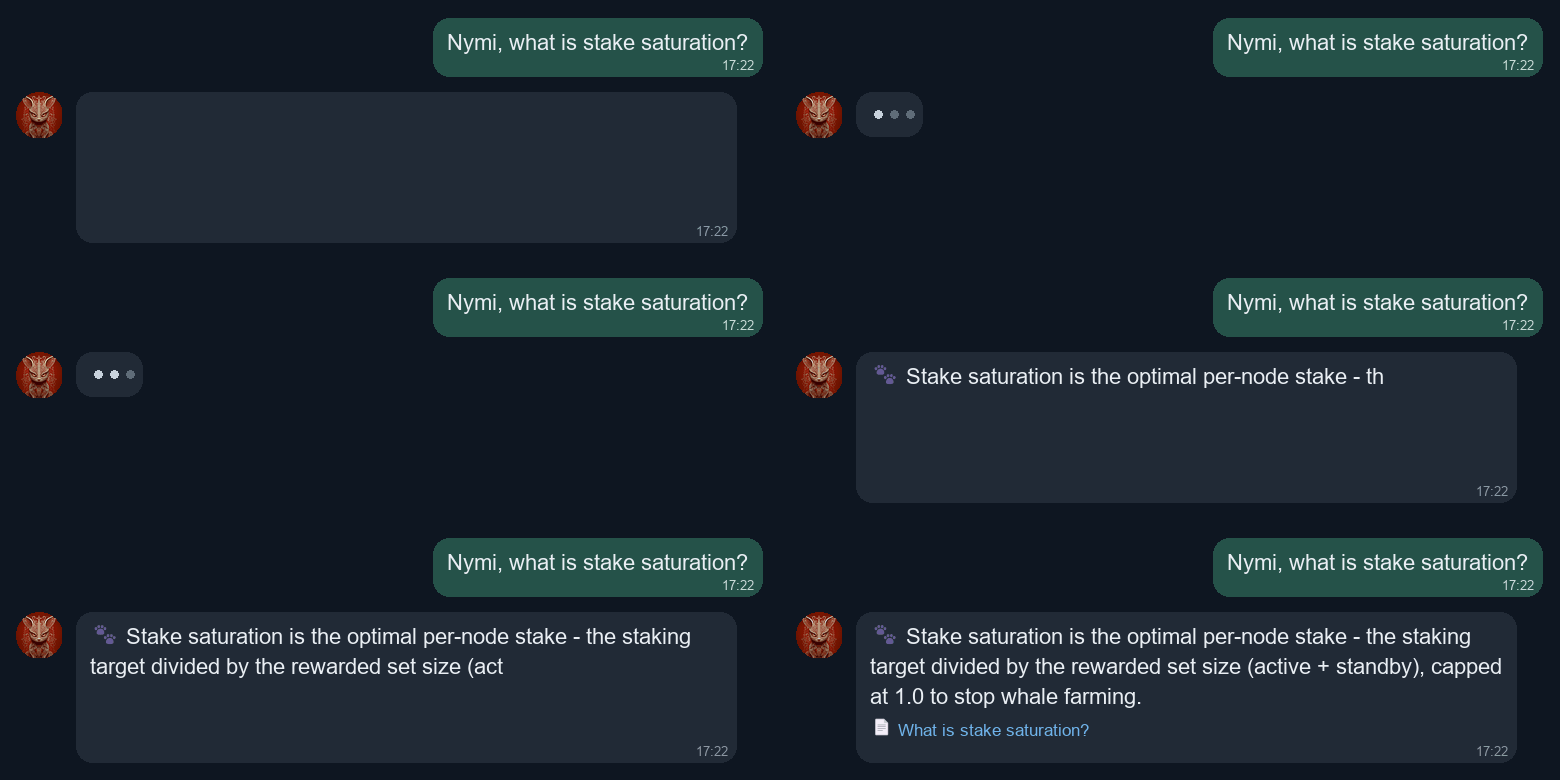
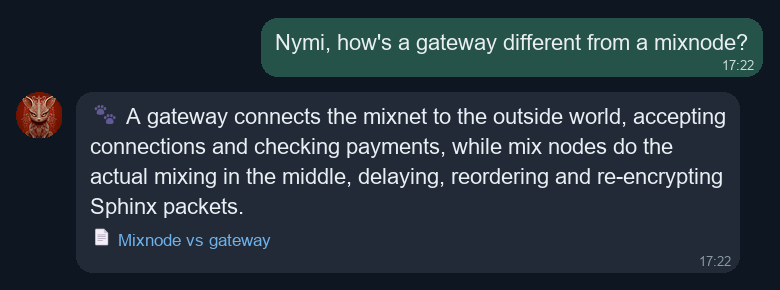
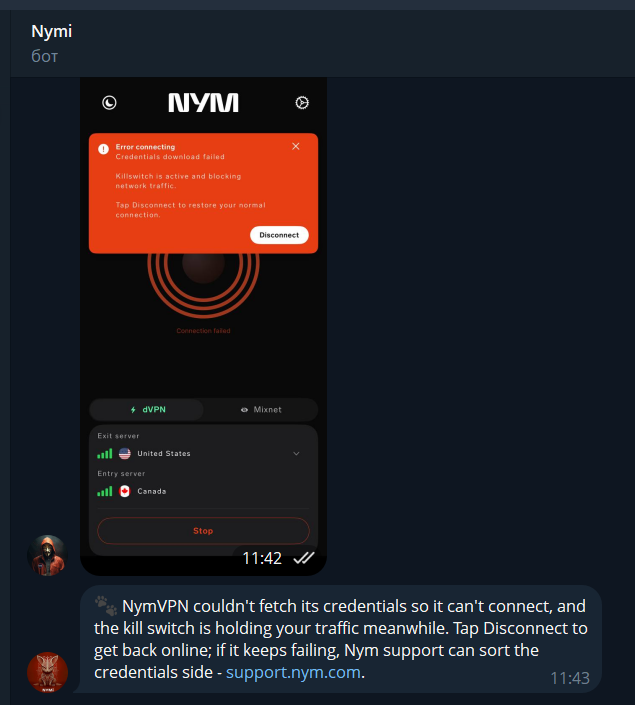
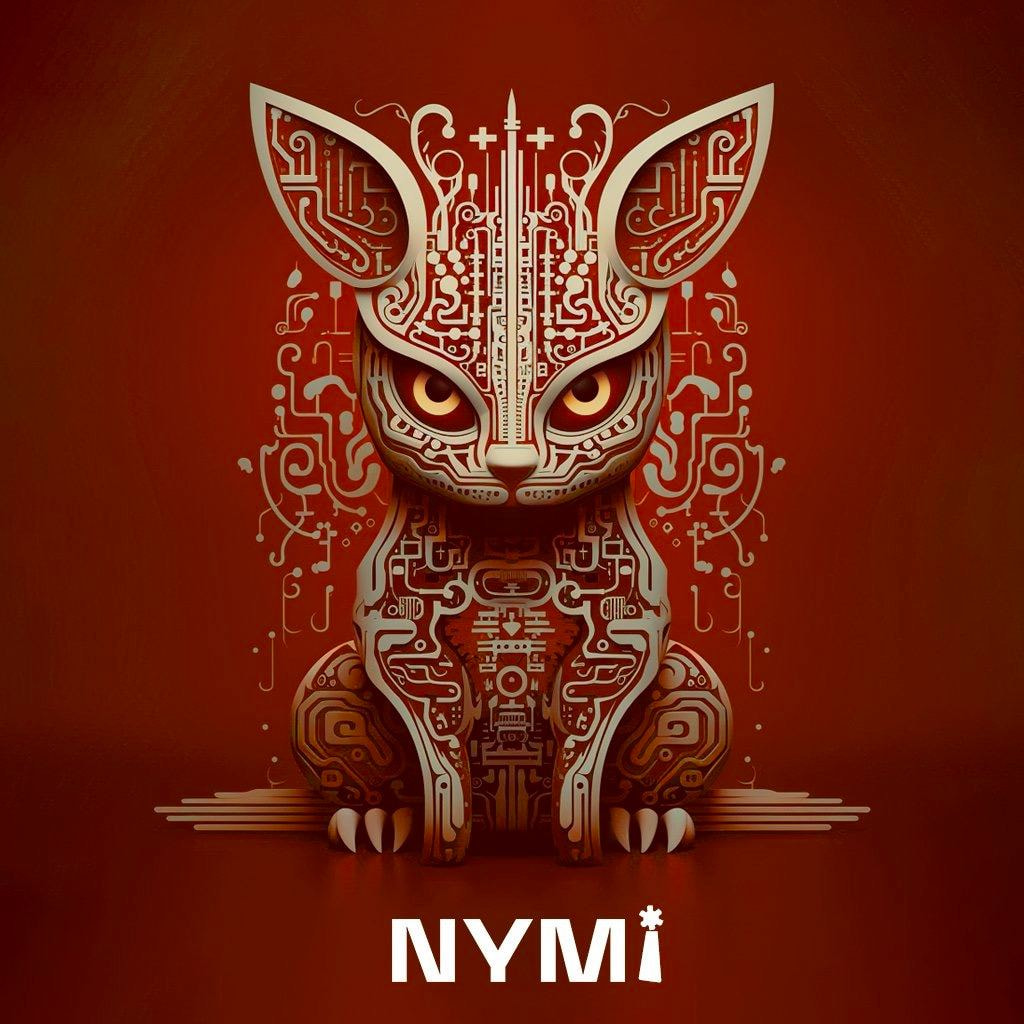
Three years ago, for one of Nym’s contests, I designed this little creature - a mysterious cryptographic guardian, half animal, half machine. It got a few upvotes, even a prize and then sat in a folder for three years. Not anymore. She (or He? who knows) 's the face and the voice of the bot. Meet Nymi → @nyminodebot. (Fair warning: they have a personality.)
What Nymi watches for you
Add a node and Nymi keeps an eye on it, pinging you only when something actually matters - transitions, not noise:
- New releases - the moment a new
nym-node(or a prerelease) drops. - Your node updated - when your specific node moves to a new version. No more “wait, did it update?”
- Stake moves - a meaningful delegation in or out, with the amount, the new saturation, and your delegator count.
- Stress drop (mixnodes) - this one matters: a mixnode quietly failing its stress test bleeds rewards and is easy to miss. Nymi catches the drop, and tells you when it recovers.
- Offline / not routing - your node stopped doing its job; you find out immediately, and again when it’s back.
Because Nymi has a bit of a mouth, the alerts don’t read like a cron job. A stress warning looks like:
your-mixnode stress 0.96 → 0.38 - it’s flunking the stress test, rewards on the line. go poke it.
The narration here is me; the sass is theirs.
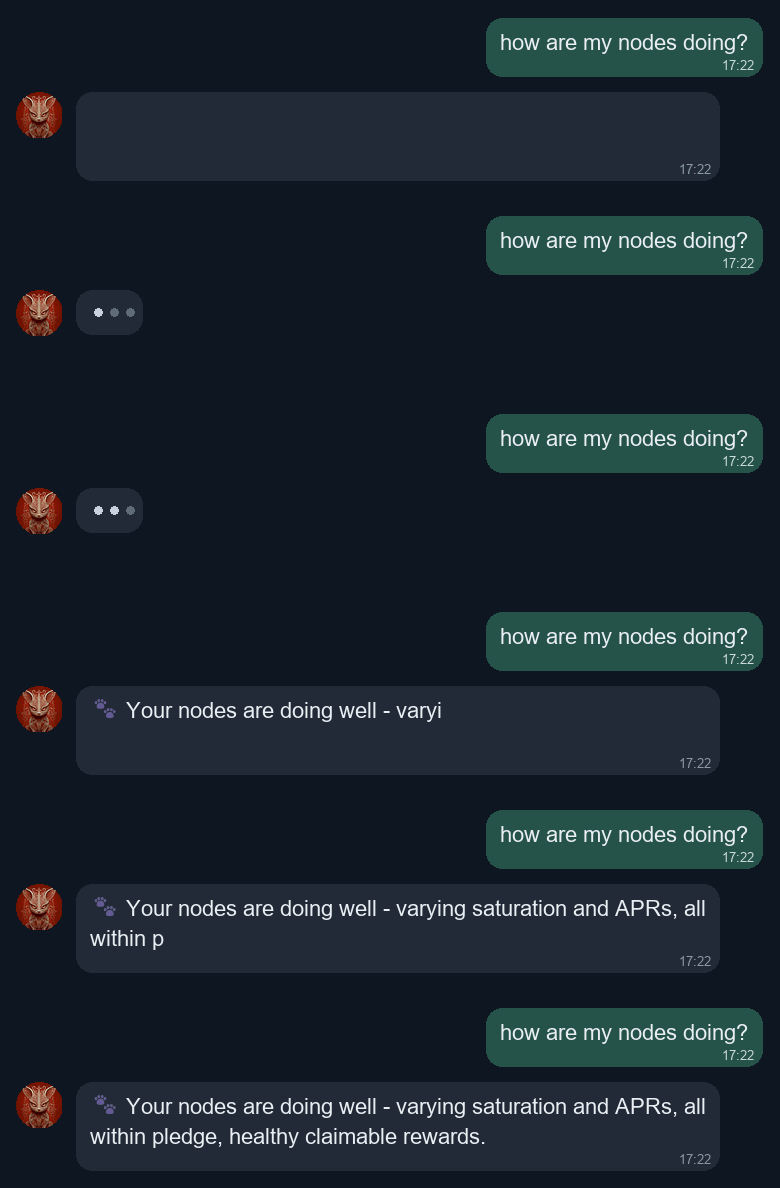
On demand: /status
/status is the checker distilled to exactly what you care about, one block per node, so you can eyeball your whole fleet in a single message. For each node you get:
- a
 /
/ /
/ health dot and the node’s name;
 - role (exit-gateway / entry-gateway / mixnode);
- version - with an “↑ 1.38.0 out” nudge if it’s fallen behind;
- performance (routing quality) for gateways, or the stress test score for mixnodes - the numbers that actually decide your rewards;
- saturation - how full your stake is (over 100% is wasted stake, under means room to grow);
- stake and delegators - total NYM on the node and how many people back it;
- claimable - rewards sitting there waiting for you to collect.
It looks like this:
version 1.37.0
performance 97%
saturation 76%
stake 195,261 NYM
delegators 8
claimable 110.9 NYM
No graphs, no fluff - just the vitals you’d otherwise go dig out of a dashboard.
On demand: /update - the impatient button
The updater already checks for a new release every hour. But sometimes you don’t want to wait - a release just dropped and you want your node on it now. That’s what /update is for.
Here’s the catch that makes it interesting: the bot cannot reach into your node. Your node sits behind its own firewall; nothing on the internet - my hub included - can open a connection to it and order it around. That’s a feature, not a bug; it’s exactly the property you want. So how does a button in Telegram make your node act?
The node checks in. The updater on your node quietly asks the hub, every ~45 seconds, “did my operator ask me to update?” - a tiny authenticated request. Almost always the answer is “no” and it goes back to sleep. But when you press /update, the hub flags a request for that node, and on its next check-in the node picks it up, runs the exact same update it would run on its hourly timer, and reports the result back. Nothing is ever pushed to your node; your node stays in control the whole time.
From your side it looks like this:
- You send
/updateand pick which node. - Nymi asks you to confirm (so you can’t fat-finger it).
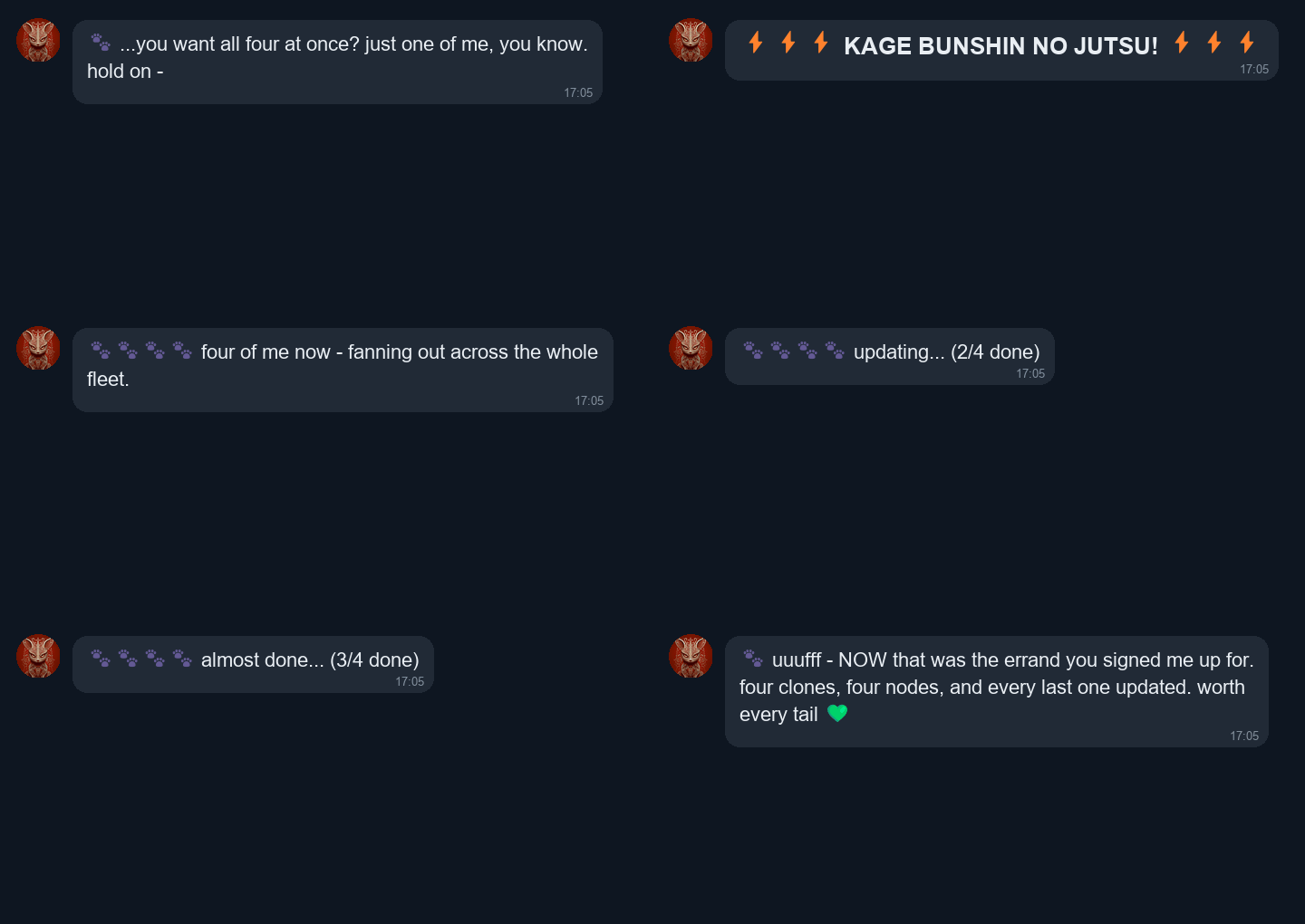
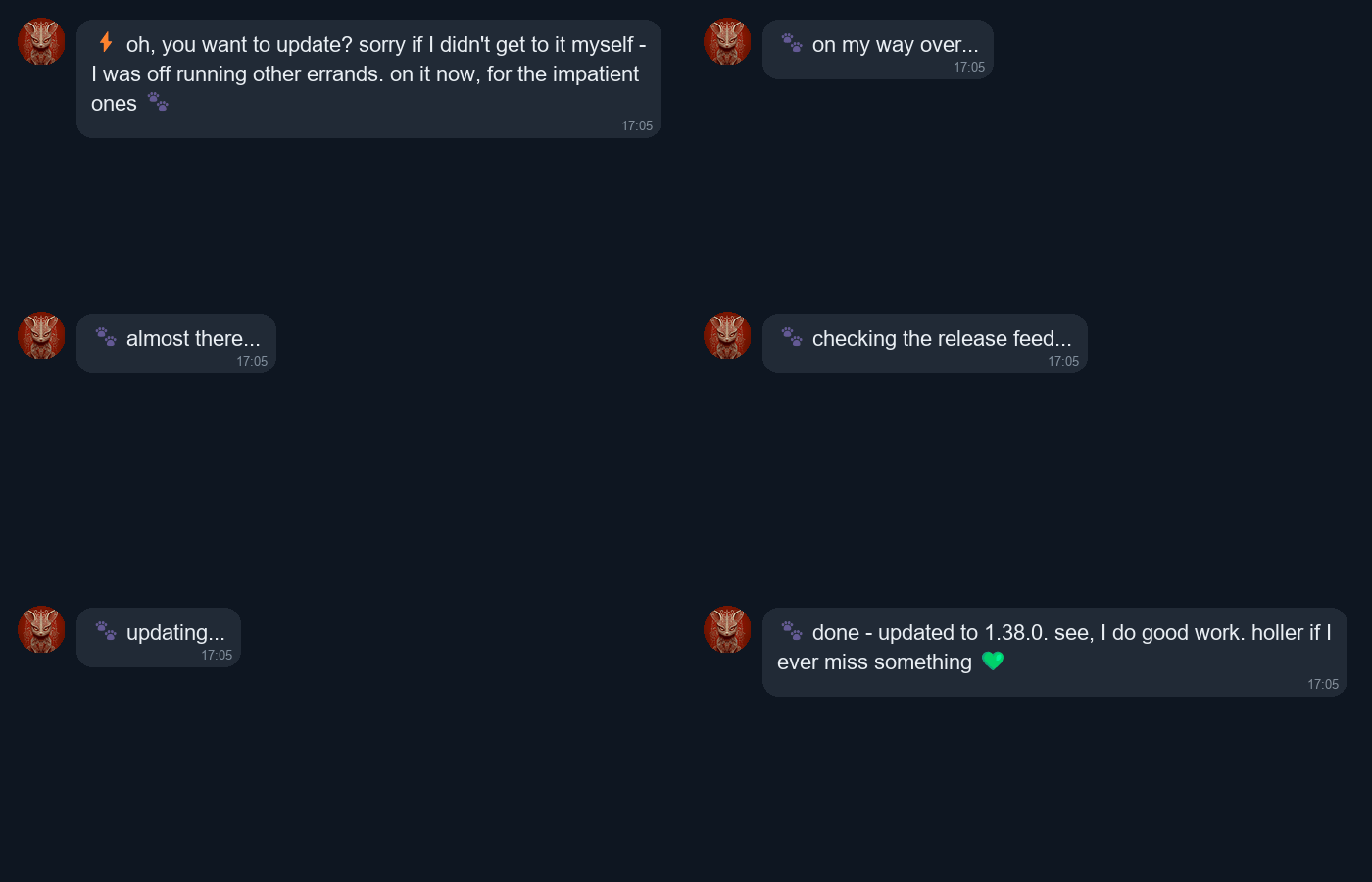
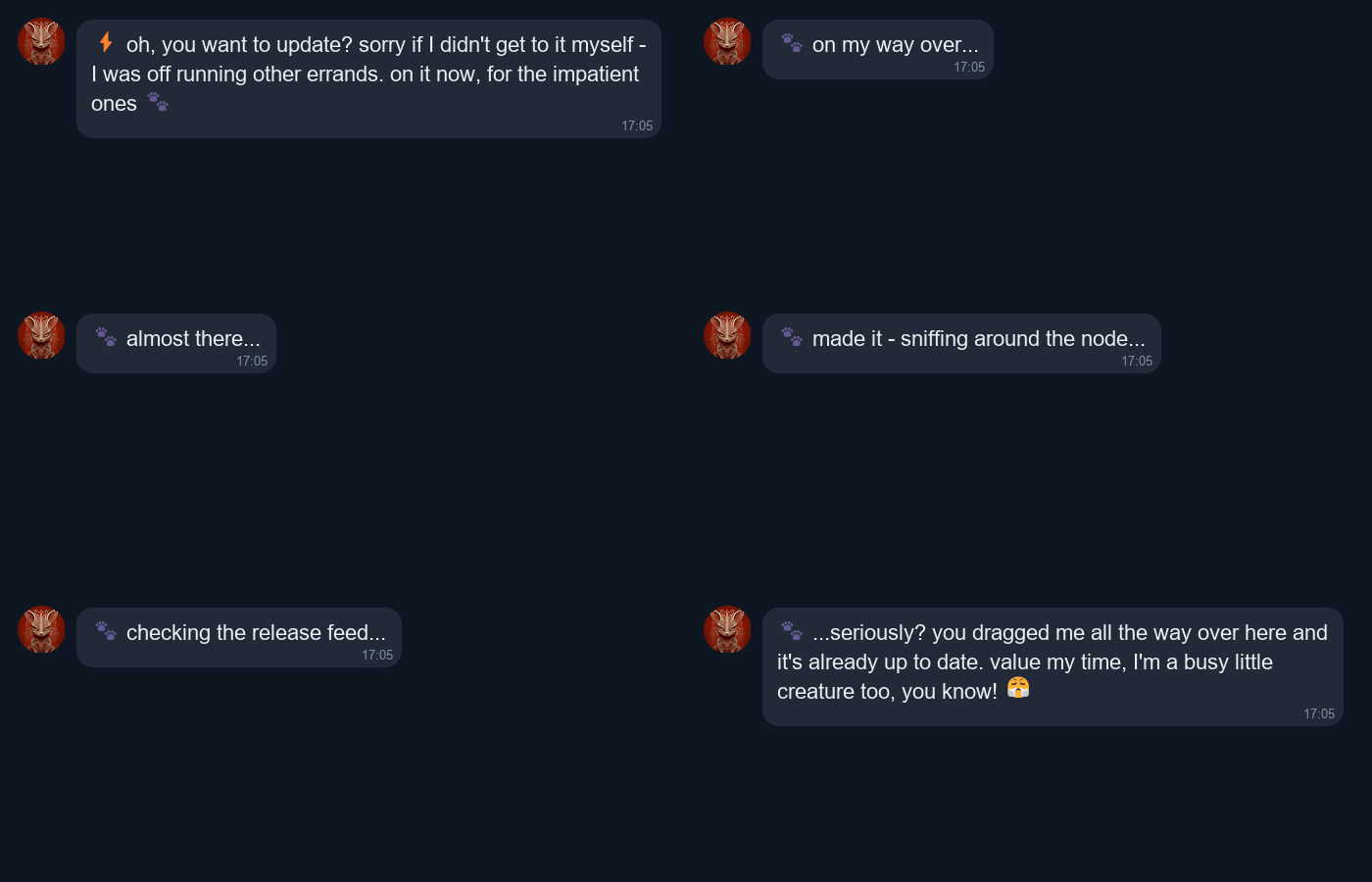
- Nymi runs over - and because there’s a real few-second wait while the node checks in and updates, fills it with a live animation: the message edits itself through “on my way… almost there… checking the release feed… updating…”, typing indicator and all.
- When the node reports back, it resolves to the outcome - either it updated, or it grumbles that there was nothing to do:
Every one of those steps is authenticated with a per-node secret (below), so only your node can pick up your request and report your result. Nobody can trigger or fake an update on a node they don’t own.
How the whole thing fits together
Three layers, each doing what it’s good at:
- The checker already tracks every node’s version, stake, stress and health from public data. That’s where most alerts come from - which means Nymi works even if you never install my updater. You’d just miss the alerts only visible from inside the box (a rollback, a crash), and you couldn’t use
/update. - The auto-updater on your node is Nymi’s eyes on the machine: it keeps nym-node current (checksum-verified, health-gated, automatic rollback if a release doesn’t come up healthy), confirms real updates, and makes
/updatepossible. - A small hub stitches it together and is the only thing that ever talks to Telegram.
Security - it runs on your node, so you should ask
I’d want to know exactly this before running someone’s script as root, so:
- Your node never holds the bot token. It authenticates to the hub with a secret it generates itself (stored
0600, root-only). Only your node can drive your node’s/updateor report its results - a stranger who knows your node’s public IP cannot. - The updater does not
evalanything it fetches from the network. An earlier feature that ran commands from the operator changelog was removed outright; the only automated firewall/tunnel work goes through a separate, snapshot-protected path that rolls back on failure. - Binaries are sha256-verified against the release’s published hashes before anything is swapped, with health-gated auto-rollback - if the node doesn’t come back healthy, it reverts to the previous binary immediately.
- The hub is sandboxed (dropped Linux capabilities, read-only filesystem, memory/task caps) and its endpoints are size-capped and rate-limited.
- All of it went through an adversarial security review before this post, and the findings were fixed.
How to get it - three doors, pick yours
1. You already run my auto-updater. One line pulls the latest script and links your node; then open the bot and press Start:
curl -fsSL https://raw.githubusercontent.com/vvmmaann/nym-node-autoupdate/main/nym-node-autoupdate.sh -o /usr/local/sbin/nym-node-autoupdate.sh && chmod +x /usr/local/sbin/nym-node-autoupdate.sh && /usr/local/sbin/nym-node-autoupdate.sh link @yourtelegram
2. You don’t have the updater yet. Install it - it detects your setup, sets up the hourly auto-update, and asks for your Telegram @nick at the end to link the node for you:
curl -fsSL https://raw.githubusercontent.com/vvmmaann/nym-node-autoupdate/main/nym-node-autoupdate.sh -o /usr/local/sbin/nym-node-autoupdate.sh && chmod +x /usr/local/sbin/nym-node-autoupdate.sh && sudo /usr/local/sbin/nym-node-autoupdate.sh install
3. You just want the bot, no updater. Perfectly fine - message @nyminodebot, /addnode <your node ip>, and you get stress / stake / offline alerts and full /status. You’ll only miss the update/crash alerts and /update, which need the agent on the box.
Feedback, bug reports and feature requests very welcome - this is v1 and I’ll keep polishing. Nymi, for their part, would like it noted that there are many of you and only one of them.