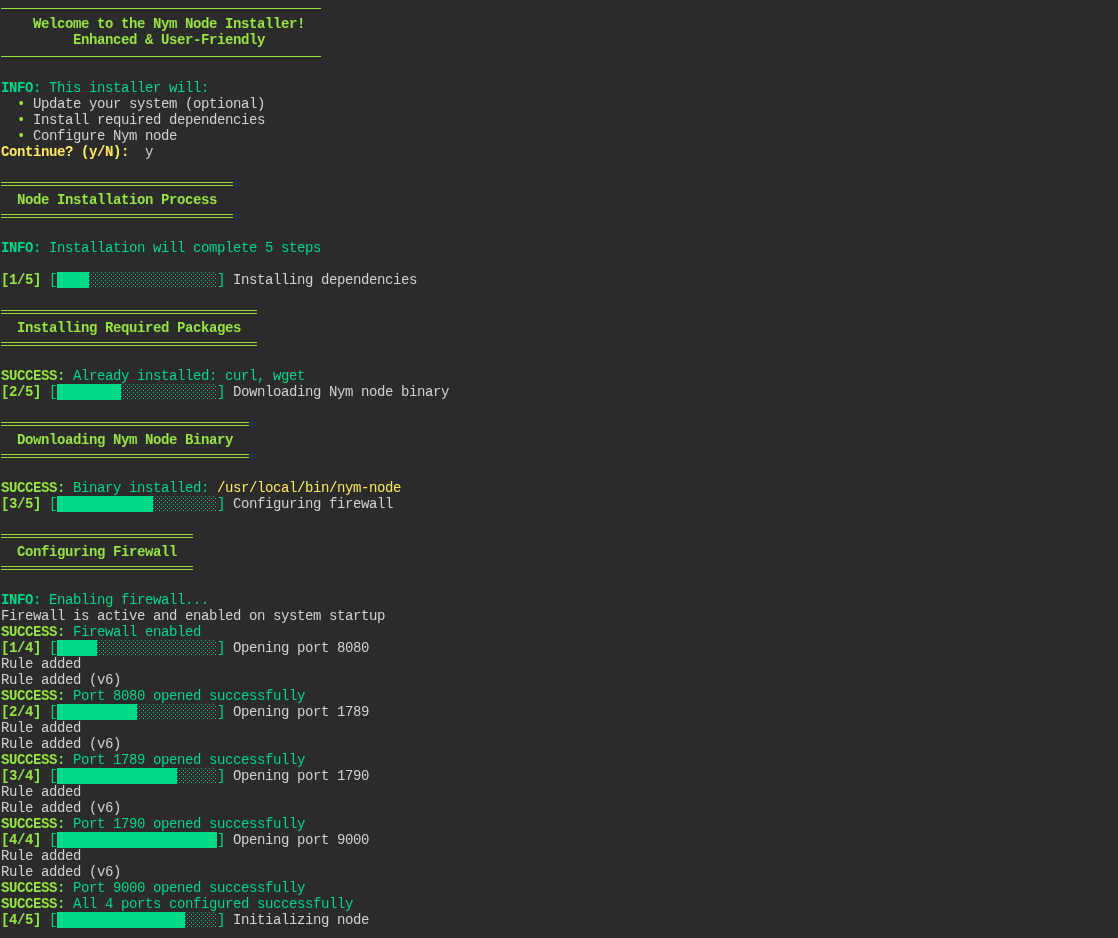
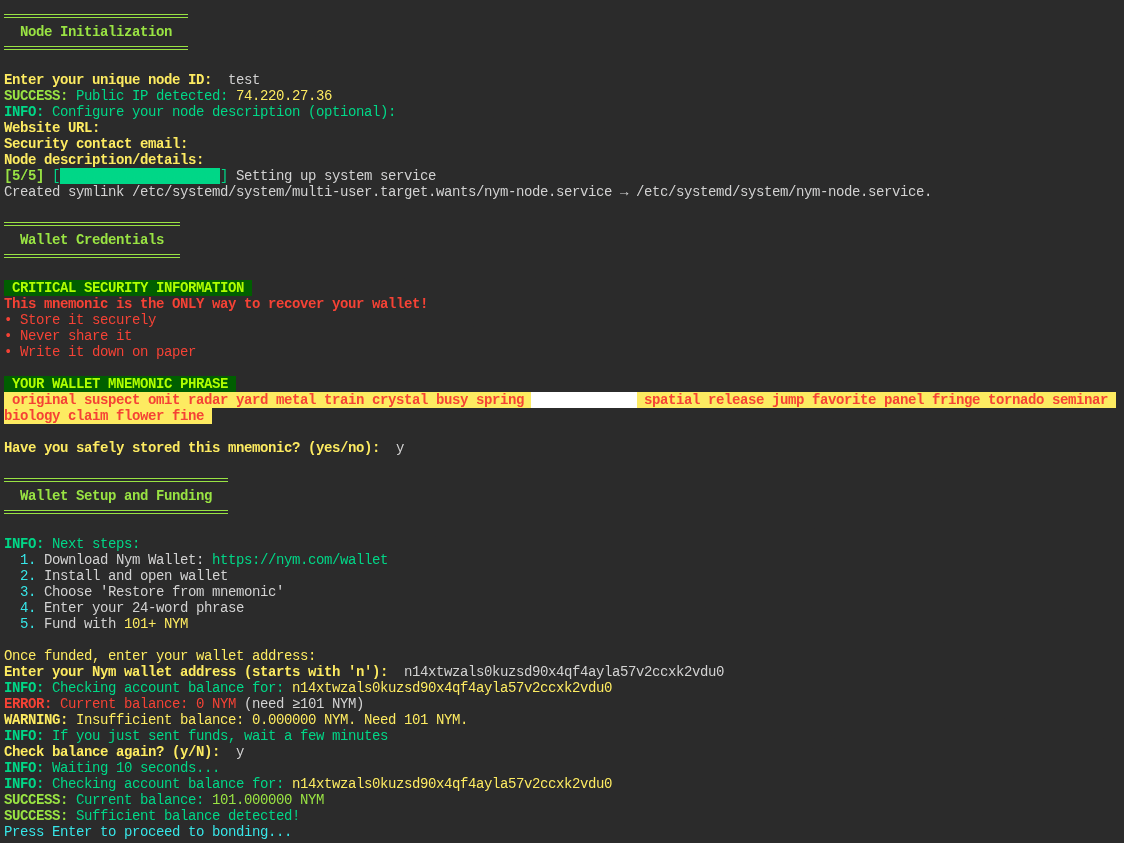
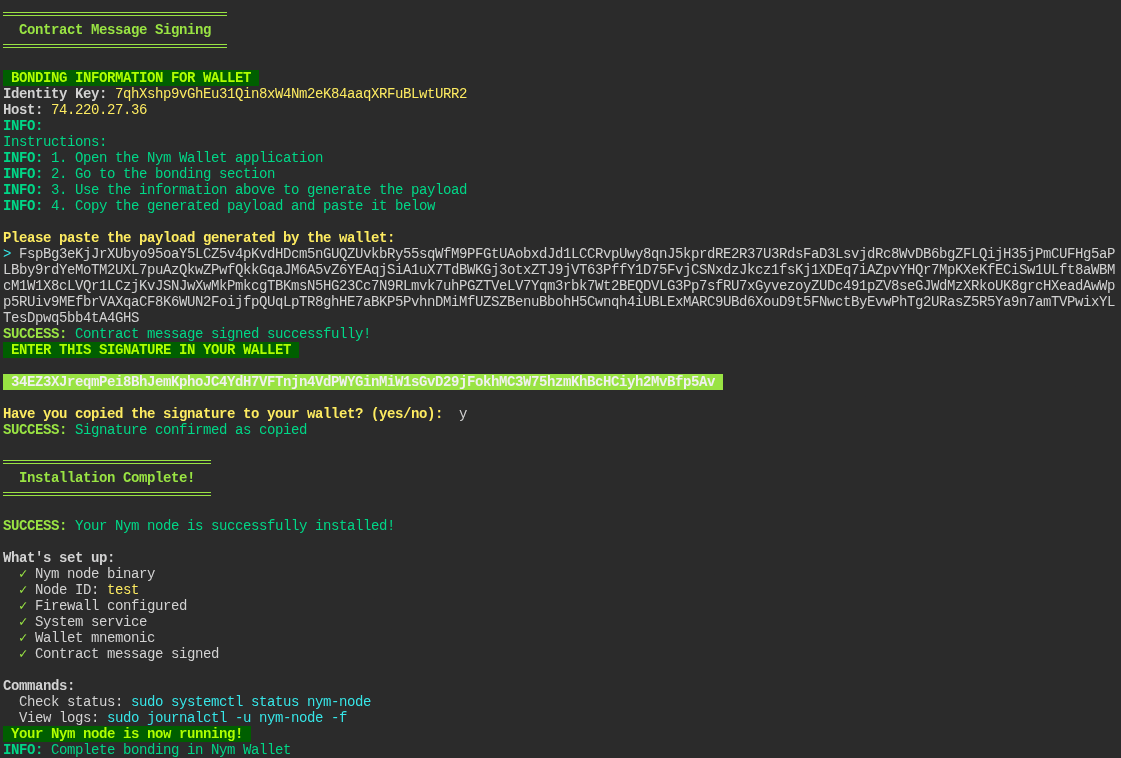
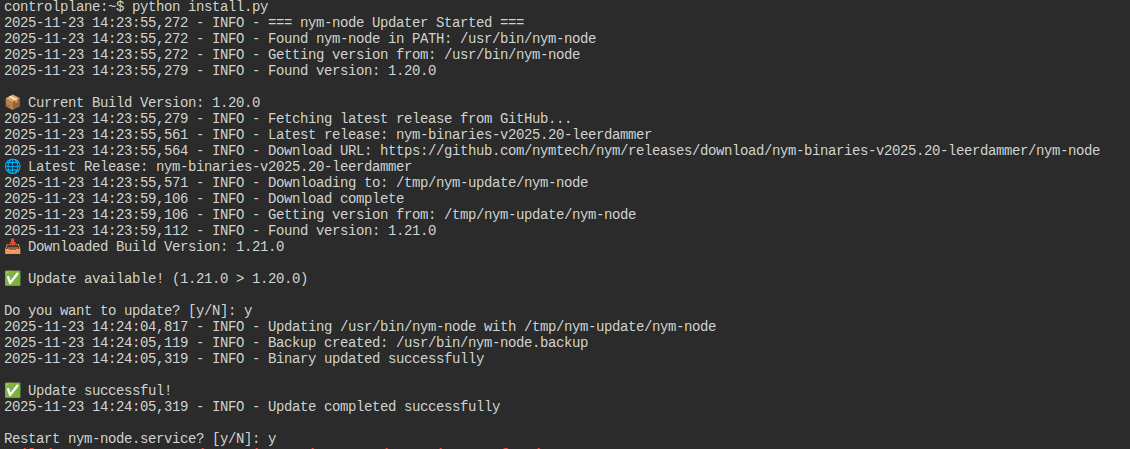
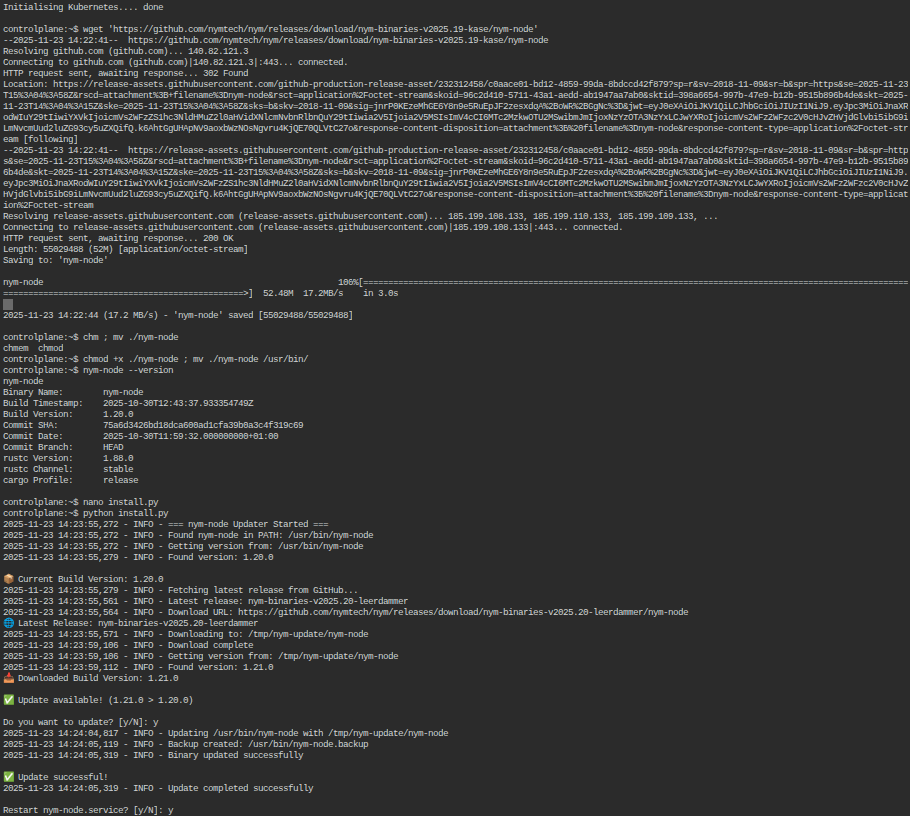
Initially, I wanted to write in bash, but I’m not very familiar with this language, so I chose a python. It is available out of the box on all ubuntu similar systems. The source code is open source and you can check it yourself. It was possible to make it even easier (generate a wallet from a seed-phrase and automatically sign the signature), but I did not want to use downloadable libraries and create an environment. So far, only the installation of the mix-node, but if the community considers it necessary, I can create a choice to install the mixnode/gateway/gatewayWG as well as automatically update the node version. For testing, I used a free cloud, the instance worked only for an hour, so I can’t be 100% sure. Node appears in the exploit with the onset of a new epoch
I will be glad to return feedback.
This “Nym Node Installer” script automates the full installation and configuration of a Nym node .
Here’s a concise, point-by-point breakdown:
• Node Deployment : It downloads the Nym binary, initializes the node’s configuration, and sets up asystemdservice for its continuous operation.
• Network Configuration : It configures the firewall (ufw) by opening necessary ports (8080, 1789, 1790, 9000).
• Wallet Interaction : It retrieves and displays the wallet’s mnemonic phrase . It helps check the wallet balance and sign a contract message for node bonding.
• Utility Functions : It includes enhanced logging utilities , command execution with sudo , and progress indicators.
• Requirements : It runs only on Linux and requires Python 3.6+.
Successfully launched two nodes in Gateway + WireGuard mode.
Small clarification: The moniker is automatically generated based on the entered nodeID. If you want to set/change the moniker after installation, edit the file: .nym/nym-nodes//data/description.toml